The Heavy Metal Reality of Gen5 Storage
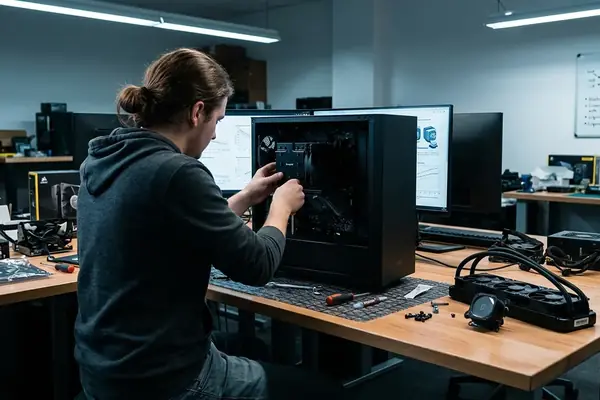
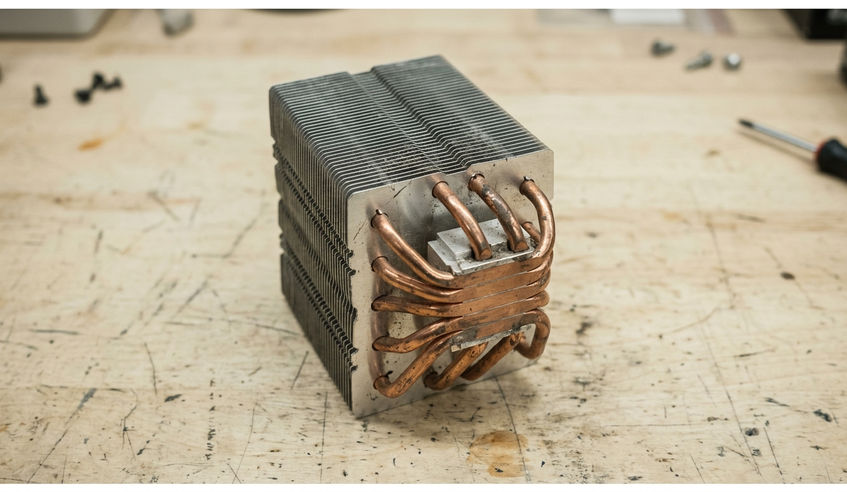
A PC builder unboxes a new PCIe 5.0 NVMe drive and immediately notices the weight of the required copper-and-aluminum heatsink plus the whine from its tiny active fan.
That block must slide between a thick graphics card and a dual-tower CPU cooler on a standard ATX board. Clearance fights are common when heatsink heights reach 43 mm.
After the physical wrestling and the price premium, the real question surfaces: does any of this hardware actually shorten game load times?
Sequential Speed vs. Random Reads in Gaming
Gen5 drives post sequential figures between 10,000 and 14,000 MB/s. Games rarely move data that way.
Engines pull thousands of small texture, audio, and model files instead. Those requests sit at low queue depths where random 4K performance matters far more.
Synthetic benchmarks celebrate the generational jump. Load-time tests in actual titles show the gains flatten once drives already clear standard NVMe speeds.
Managing the Extreme Heat of PCIe 5.0
Phison E26 controllers run noticeably hotter than their Gen4 predecessors. Sustained writes push temperatures quickly toward the 81-to-84 °C throttling window.
Once that threshold is crossed, the drive slows to protect itself and long-term endurance can suffer. Builders then face extra choices: motherboard armor, tall aftermarket coolers, or small fans that add audible noise inside a closed case.
Active cooling needs disappear in open test benches but become mandatory inside typical gaming chassis.
The DirectStorage Promise: Are We There Yet?
Microsoft’s DirectStorage API aims to let the GPU decompress assets without CPU involvement. Current titles that actually use it remain scarce.
Even in supported games, measured bandwidth tops out between 4.5 and 5.2 GB/s. That figure sits comfortably inside Gen4 limits and leaves Gen5 headroom unused.
DirectStorage API documentation shows the theoretical path, yet real-world adoption has not caught up.
The Cost-to-Performance Ratio for Builders
High-capacity Gen4 drives currently cost upward of $120 less per terabyte than early Gen5 models. That delta buys either a stronger GPU, a faster CPU, or twice the storage capacity.
Each of those alternatives moves frame rates or reduces load stuttering more noticeably than the storage upgrade alone.
A Practical Blueprint: Allocating Your Storage Budget
Consider a fixed-budget 1440p gaming build. Step 1: choose a 2 TB DRAM-equipped PCIe 4.0 SSD instead of a 1 TB Gen5 unit. Step 2: mount the Gen4 drive beneath the motherboard’s stock passive shield so the primary GPU slot stays clear. Step 3: finish assembly and run stability checks for three to five days. The result is higher effective capacity, zero clearance drama, and budget left for the graphics card that actually determines frame rates.