
PC Hardware
Buying guides, reviews, and compatibility notes for CPUs, GPUs, cooling systems, and complete custom builds.


We provide rigorous hardware analysis, compatibility checks, and curated game recommendations. Our editorial team evaluates components and software utilities to help you make informed decisions for your next rig.
MostPC is built for readers who want a faster, quieter, better-matched PC without wading through spec sheets all afternoon.
In the field, the messy part is rarely choosing the most expensive part. It is matching the part to the job. A 1440p gaming build, for example, lives or dies by the CPU and GPU pairing, the monitor target, the case airflow, and the games you actually play.
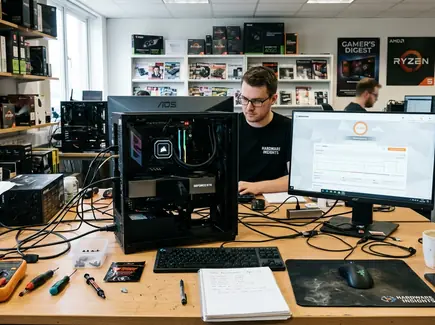
For a 1440p gaming PC, I usually settle the graphics card and monitor target before touching the case. That one choice tells you more about the build than a dozen isolated benchmark charts.
Builders often overspend on the CPU while pairing it with a midrange GPU, then wonder why newer games still feel flat at higher settings. The reverse happens too: a strong graphics card goes into a cramped case with poor airflow and a bargain power supply.
If a new build stutters, check the simple things first. Memory profile enabled? Display cable plugged into the graphics card? Chipset and GPU drivers current? Those fixes are boring. They also save a lot of returns.
MostPC focuses on the parts of the PC hobby where small choices make a real difference: hardware compatibility, gaming performance, desk feel, and the tools that keep a system clean.
Buying guides, reviews, and compatibility notes for CPUs, GPUs, cooling systems, and complete custom builds.
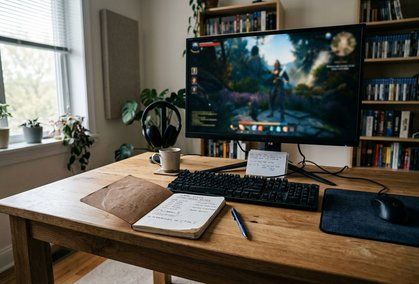
Game recommendations, alternatives to popular titles, and practical performance tips for smoother play.
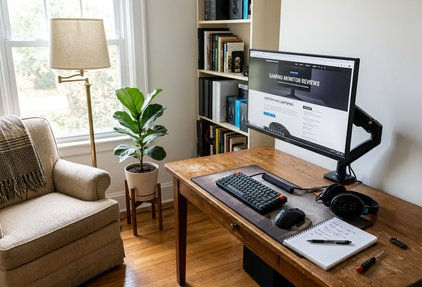
Monitors, keyboards, mice, and audio gear judged by comfort, response, build quality, and day-to-day use.

Browser extensions, system utilities, privacy tools, and troubleshooting guides for keeping a PC manageable.
Forum feedback confirms a pattern I agree with: the best purchase is usually the one that fits the whole setup, not the one that wins a single chart. A quiet cooler matters more if the PC sits beside your microphone. A better monitor matters more if your GPU already has room to breathe.
PC buying has seasons. GPU prices shift, new processors land, game patches change performance, and holiday sales tempt people into parts they do not need.
Start with the bottleneck you feel today. If your games run fine but your keyboard misses inputs during fast rounds, a peripheral upgrade may do more for you than a new graphics card. If your browser is packed with extensions and your system feels dragged down, software cleanup deserves a pass before hardware spending.
You might also like our guide to CPU and GPU combinations for 1440p gaming if you are planning a new build around a high-refresh monitor, or our privacy-focused browser extension guide if your current system feels cluttered.
Do not buy a component just because it is discounted. A cheap oversized power supply, a motherboard with features you will never use, or a keyboard switch you dislike every day is still wasted money.
Check return windows, case dimensions, and motherboard support pages before parts arrive. Compatibility work feels slow until it prevents a weekend build from stopping at the first boot.
Our editorial work sits between bench-style comparison and real desk use. We care about frame pacing, thermals, noise, typing feel, cable fit, driver friction, and whether a recommendation still makes sense after the first week.
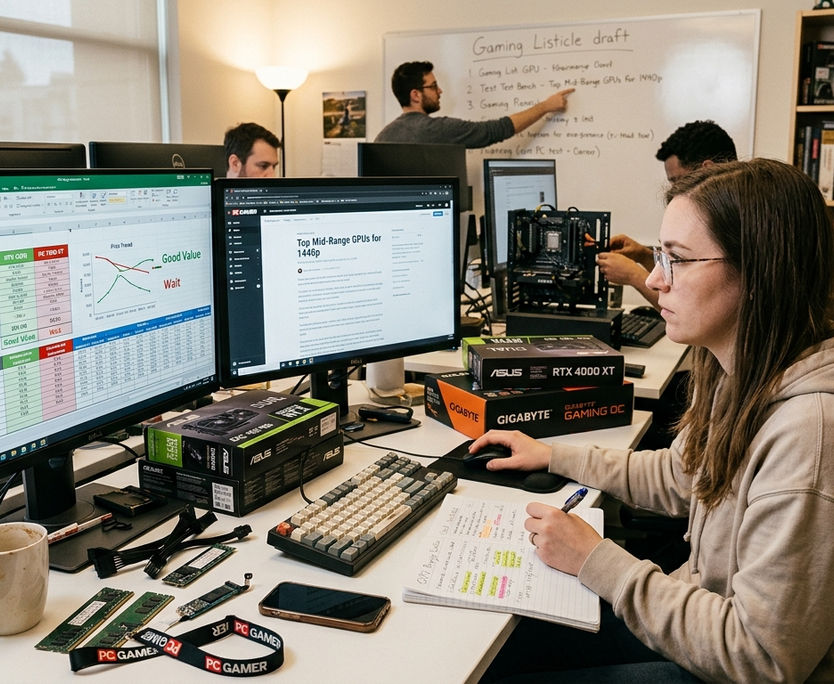
Activity data shows what readers return to most often: component matchups, build planning, gaming alternatives, and utility guides. We use that signal to keep coverage grounded, though it does not replace hands-on judgment or a careful read of current platform limits.
The team covers PC hardware, gaming, peripherals, and software tools with an implementation-first mindset. When a guide recommends a part or app, the goal is not to crown a universal winner. The goal is to help you make the next correct move for your machine.
If you are building, upgrading, tuning, or just trying to choose the next game that will run well on your rig, MostPC is here to make the decision smaller and clearer. Start with the category that matches your current problem, then work from the part of the setup you use every day.
Browse PC hardware guides Find gaming recommendationsFind subjects that spark your curiosity.
Write thorough, well-sourced material.
Connect with readers seeking these answers.