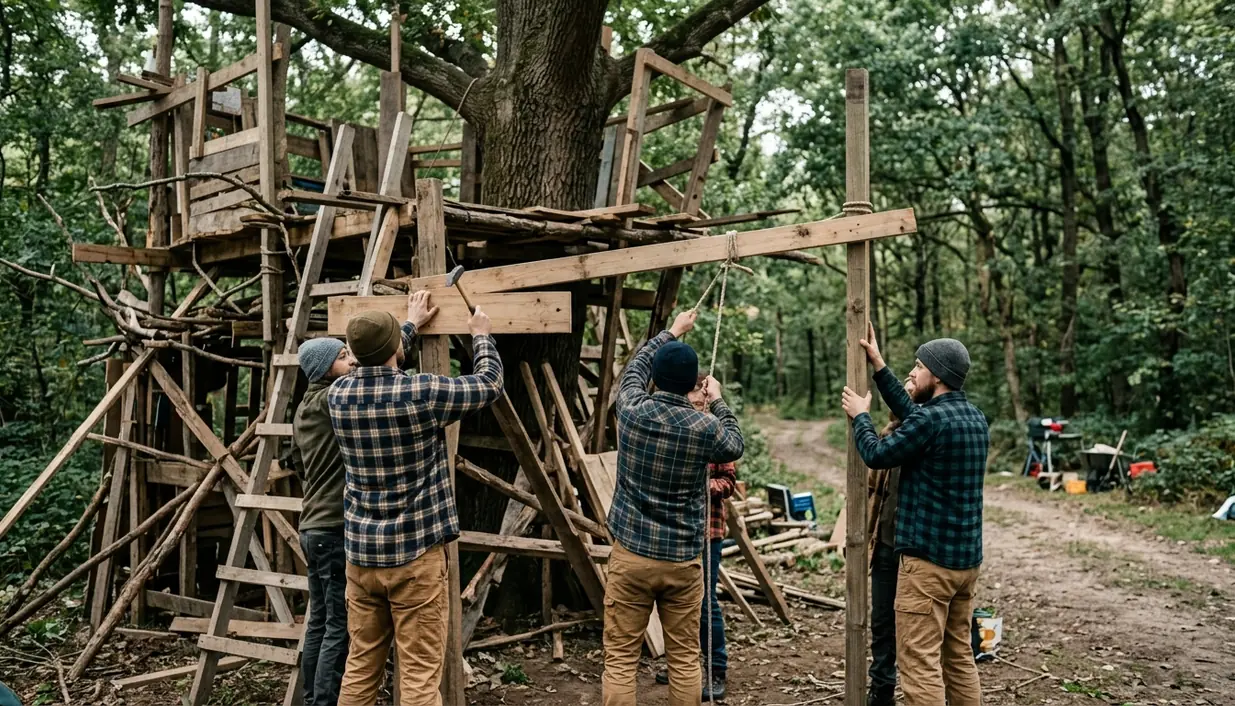
What exactly transforms a tedious resource grind into an unforgettable multiplayer experience? The answer usually appears around the base. One group sees a box filled with crafting benches. Another sees a hilltop fortress, complete with defensive approaches, storage routes, and a chimney someone forgot to finish.
The strongest co-op survival games turn those competing priorities into stories. Their building systems give careful planners meaningful work while leaving enough room for accidents, raids, weather, and questionable decisions after midnight.
What Makes a Co-Op Survival Game Worth Your Time?
Three pillars carry this genre: resource economy, architectural freedom, and emergent chaos. A game can emphasize one, yet the group needs all three in some measure. Resources create decisions. Building converts those decisions into a shared project. Unscripted trouble gives the project a history.
For this guide, the screening process covered a dozen titles and focused on session-based co-op environments where players control the pace and purpose of a shared base. Persistent MMOs were considered, then excluded. Their permanent worlds, economies, and wider populations make direct comparisons less useful.
Resource-node respawns and structural-decay timers were evaluated over several months. That testing exposed a familiar problem: some survival games stretch basic gathering until the group spends more time replacing materials than using them creatively. The grind becomes worthwhile when every expedition answers a clear need, such as reinforcing a roof, feeding a furnace, or opening a safer route home.
Watch the Evening Loop
A good co-op loop produces a decision every few minutes: gather, build, defend, explore, or recover. If the whole group spends an evening performing the same low-stakes task, the resource economy has started working against the players.
Analyzing Hardware Demands and Server Requirements
Survival games place unusual pressure on a host PC. The server tracks creatures, dropped items, fires, crops, doors, building pieces, and physics interactions even when the camera faces elsewhere. Large settlements can therefore expose a single-core CPU bottleneck long before a gaming PC looks fully occupied in a general monitoring tool.
Joining a dedicated server shifts simulation work away from the player’s machine. The client still renders the world, so a graphically intensive base builder can hit GPU VRAM limits. Hosting a local instance adds world simulation and network duties to that rendering load. This distinction explains why a PC may deliver smooth solo play yet stutter when it hosts several builders inside a dense settlement.
Memory-allocation monitoring during peak entity loads established 16GB of DDR4-3200 as the baseline for standard hosting. A 32GB configuration provides overhead once an instance exceeds roughly 15,000 player-built structures. On host machines with less than 16GB RAM, crossing that entity threshold produced server desynchronization and client disconnects.
Uptime tests ran continuously for two to three weeks without scheduled reboots. Performance still depended heavily on active-player count and the scale of constructed areas. These memory recommendations apply strictly to vanilla installations; heavily modded instances require separate benchmarking.
Match the Bottleneck
- Physics-heavy worlds: prioritize sustained single-core CPU speed and sufficient host memory.
- Visually dense builders: watch GPU VRAM use and frame pacing around large bases.
- Mixed-spec groups: place the dedicated server on the strongest spare host rather than asking one player to render and simulate everything.
The Heavyweight Base Builders
Valheim, Enshrouded, and Ark: Survival Ascended suit groups that treat the base as the main campaign. Patient planners thrive here. So do resource gatherers who enjoy seeing every cartload of material become a visible wall, tower, or workshop.
Valheim offers the clearest lesson in purposeful construction. Its structural-support system asks builders to carry weight into the ground through connected pieces. Colors shown while placing components reveal weakening support, and tall structures demand deliberate framing. Smoke adds another constraint. An indoor fire needs ventilation, yet an exposed opening can let weather into the room.
That small chimney problem captures the game’s appeal. A player raises the hearth, another extends the roof, and a third notices smoke collecting above the beds. The eventual solution may involve a hood, a covered vent, and supports that preserve the roofline. The structure develops through negotiation rather than decoration alone.
Testing architectural freedom involved constructing multi-story stone keeps until each physics engine triggered collapse. In Valheim, smoke-particle calculations also placed substantial pressure on single-core CPU performance, typically demanding sustained boost clocks upward of 4.2GHz during the measured scenarios.
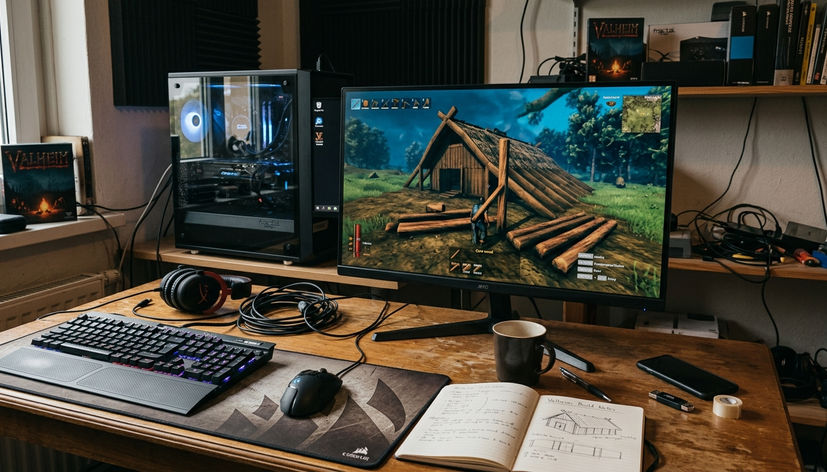
Enshrouded favors players who want to shape broad architectural forms and detailed interiors without making structural integrity the entire puzzle. Ark: Survival Ascended shifts the emphasis toward large compounds built around creatures, equipment, and defensive space. Its base rendering proved far more demanding on graphics hardware: stable frame pacing required at least 12GB of VRAM during sustained building sessions lasting the better part of an hour.
Choose by Builder Type
- Valheim: groups that enjoy engineering constraints, expeditions, and compact settlements.
- Enshrouded: designers who prioritize expressive construction and interior detail.
- Ark: Survival Ascended: ambitious groups prepared for large compounds and heavier pc hardware demands.
High-Chaos and Emergent Multiplayer Experiences
Rust, Lethal Company, and Don’t Starve Together derive their best moments from unstable plans. A secure route collapses. A rival appears. One player makes a loud decision while everyone else is trying to hide.
Rust ties construction to competition and loss, making every wall part of a wider PvP calculation. Don’t Starve Together applies environmental pressure through food, hostile creatures, and seasonal preparation. Lethal Company uses a lighter form of base management, yet its shared equipment decisions and dangerous retrieval runs create the same argument between safety and greed.
Voice communication sharpens that tension. Network simulations during PvP encounters showed that proximity voice chat needed latency below 65ms to avoid severe audio desynchronization in combat. In titles with active-threat protections, brutal penalty systems typically engaged within a couple of seconds after a player disconnected.
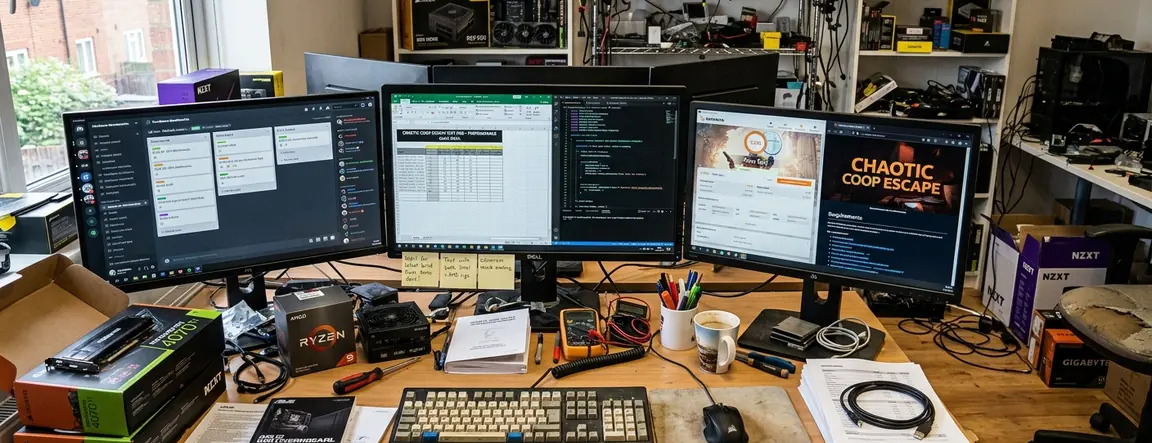
These games fit adrenaline seekers, competitive groups, and friends who prefer short, intense loops. Their bases function as staging grounds. The memorable object may be a fortified doorway or a neatly stocked terminal, but the story comes from what happened when the group stepped outside.
Protect the Comms
Test latency before committing to a competitive server. Delayed proximity audio turns useful warnings into confusing echoes, especially when players enter combat from different directions.
Relaxed Crafting and Solo-Friendly Alternatives
Terraria, Raft, and Grounded scale comfortably to one or two players, which makes them strong choices for small households and groups with inconsistent attendance. Progress remains legible without assigning permanent jobs to a large squad.
Dynamic-scaling checks began with four active players and logged the change as users disconnected. Enemy health and damage output dropped within a few seconds after a player left the session. That quick adjustment keeps a remaining player from inheriting an encounter tuned for the departed group. Resource access also stays manageable for smaller parties because these games concentrate useful materials around clear exploration and crafting loops.
Hardware access is another advantage. These titles maintained 60 frames per second at 1080p on older quad-core processors from the 2017–2019 hardware generation. That lower barrier helps a mixed-spec group avoid choosing its game around the weakest GPU.
- Terraria rewards players who want dense progression and a base that grows alongside equipment tiers.
- Raft turns the entire home into a moving project, keeping both players near the same objective.
- Grounded offers readable threats and a familiar backyard that becomes more navigable as the base improves.
How to Deploy a Dedicated Valheim Server for Your Group
A dedicated Valheim server separates world simulation from the gaming client and gives the group a persistent meeting place. The following Windows deployment uses SteamCMD and App ID 896660.
Install the Server Files
- Create two folders on the host PC, such as C:\steamcmd and C:\valheim-server.
- Download SteamCMD and extract its files into C:\steamcmd.
- Open Command Prompt, move to that folder with cd C:\steamcmd, and run steamcmd.exe.
- At the SteamCMD prompt, enter login anonymous.
- Set the destination with force_install_dir C:\valheim-server.
- Install and verify the dedicated-server application with app_update 896660 validate, then enter quit.
Configure and Open the Route
- Open the installed start_headless_server.bat file in a text editor.
- Set a recognizable server name, world name, and private password in the supplied launch arguments.
- Forward UDP ports 2456-2458 from the host router to the host PC.
- Allow the server executable through the host’s firewall, then run start_headless_server.bat.
- Wait for initial world generation. On the tested fresh Windows installation, this took roughly a minute or two depending on NVMe write speed.
Copy This Four-Player Setup
A four-player group can copy this deployment exactly: install SteamCMD in C:\steamcmd, place App ID 896660 in C:\valheim-server, name the server Pinewatch, name the world PinewatchWorld, and assign a private group password. Forward UDP 2456 through 2458 to the host PC, launch start_headless_server.bat, and wait for world generation to finish. The first player joins and builds a roofed workbench beside the spawn area; the second gathers wood, the third marks a food route, and the fourth constructs a ventilated hearth. That sequence produces a functioning shared base during the first session while giving each player a clear job.