State Replication vs. Point-in-Time Archiving on a Desktop PC
What happens to a multi-gigabyte game save folder or custom mod directory inside a synced desktop client the exact second a local file is corrupted or overwritten? The local operating system logs the mutation, and the sync daemon immediately replicates the damage upstream.
Desktop synchronization clients (such as OneDrive, Dropbox, and Google Drive desktop folders) operate on continuous two-way state replication. These applications attach a file system watcher directly to the storage volume, reading low-level change logs such as the Update Sequence Number (USN) Journal on an NTFS partition. Every time an application creates, modifies, or deletes a file, the NTFS volume appends a record to the USN Journal. The sync client polls this journal continuously to initiate sub-second upstream replication. It possesses no logic to evaluate whether a modification represents valid campaign progress or catastrophic corruption.
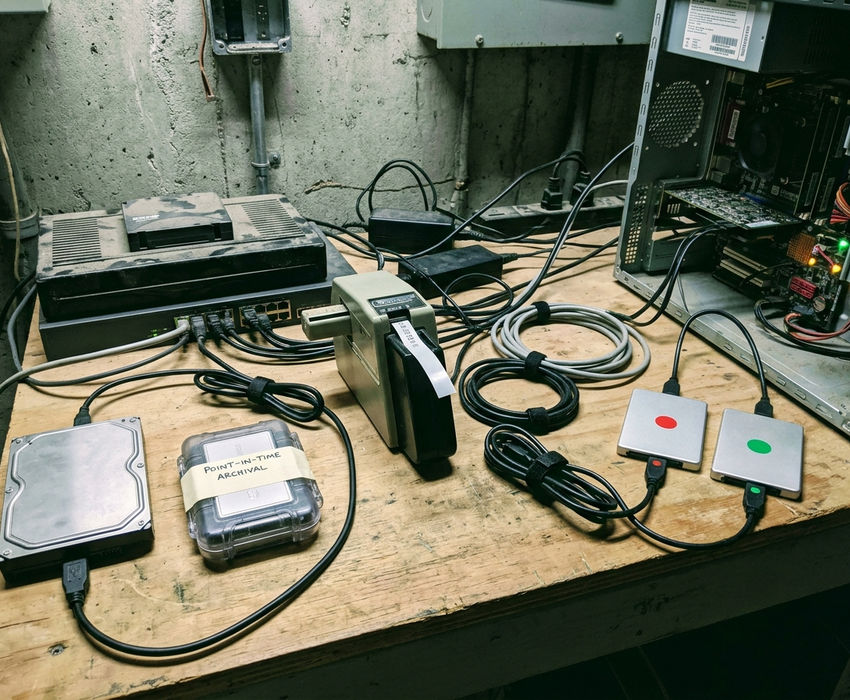
Point-in-time backup engines operate on an opposing architectural foundation: historical isolation. Instead of mirroring live file system mutations instantly, a dedicated backup engine captures immutable snapshots of a directory tree or storage blocks at defined intervals. Architecture selection hinges on whether the user requires instantaneous multi-device workspace consistency or historical isolation from live file system mutations.
Isolate Active Game Directories: Redirecting active game save directories or mod staging folders into a synchronized desktop profile folder assumes that cloud replication preserves a stable fallback state. When a file corrupts during gameplay, continuous state replication overwrites the intact cloud copy with the broken local binary within seconds.
Accidental Deletion and Silent Mod Overwrites
When a user accidentally deletes a directory or a faulty game patch overwrites configuration files inside a synchronized Windows profile folder (such as redirected Documents or AppData directories), the local file system records either an unlinking of the file path or an in-place truncation and rewrite.
In a two-way cloud sync environment, an unlinked path signals the client to issue a remote delete command to the cloud server, which then propagates that deletion across all other linked desktop and laptop PCs. Recovery depends entirely on a cloud recycle bin or shallow file history.
How Batch Operations Exhaust Sync History
Relying on per-file revision history inside a sync client introduces a critical vulnerability during heavy modding or patching workflows. If a mod manager or game patch executes a batch purge-and-replace operation inside a synced profile folder, the NTFS USN Journal feeds every intermediate temporary file write and deletion to the sync daemon. When the sync service enforces a fixed per-file version cap, this rapid stream of temporary writes exhausts the revision stack, pushing the working pre-patch save completely out of the recovery history before the user ever launches the game and notices the broken state.
Versioned cloud backup engines and local snapshot tools avoid this trap by decoupling capture timing from live file system churn. Scheduled or block-level snapshots preserve the exact directory structure prior to the patch sequence. If a title fails to boot after an update, the user can execute a granular rollback of specific subfolders without altering unaffected system files. A granular rollback from a versioned backup or mounted virtual drive is complete when the restored subfolder matches the pre-patch file count and byte size, and the application loads the configuration without schema or version mismatch errors.
Offline local disk images offer an even stricter boundary. They guarantee zero automatic overwrite propagation across sessions, though they only preserve data up to the exact timestamp of the last physical drive connection.
Ransomware Execution and Encrypted Sync Loops
When a ransomware binary executes on a gaming or workstation PC, it inherits the access tokens and privilege scope of the logged-in user account. The payload immediately runs enumeration loops that scan the operating system's logical drive bitmask, active SMB network mount tables, and local user profile folders. For each target file, the malware either encrypts the data stream in place or writes an encrypted copy with a new file extension before unlinking the original file.
To a two-way cloud sync client, this destructive burst appears identical to legitimate user productivity. The sync daemon detects thousands of modified streams or newly created files paired with deletions, and it begins rapidly uploading the encrypted payloads to the cloud repository. This automated sync loop overwrites clean remote files with ciphertext and saturates version history quotas across the account.
Local backups suffer a parallel failure if improperly isolated. Leaving an external backup drive permanently plugged into a desktop USB port or mapping a network backup share as a persistent drive letter with saved credentials exposes the backup target to the exact same user-space encryption routine as the primary OS drive. Survival of a local backup archive during a user-mode malware execution depends entirely on whether the storage target requires an independent, out-of-band authentication handshake or physical reconnection to accept write and delete commands. Maintaining offline, encrypted backups disconnected from the live network is a foundational control for recovering data after a ransomware infection, as detailed in CISA ransomware recovery guidance.
Enforcing Immutability and Credential Isolation
Dedicated cloud backup architectures defeat user-space ransomware by separating the local client process from destructive storage permissions. Even if the local OS environment is compromised, the backup software utilizes isolated credentials or server-side Object Lock policies that prohibit the local client from purging historical cloud snapshots. Client-side cloud backup tools and local disk imaging suites protect historical recovery points from local ransomware deletion only when the software enforces server-side immutability locks or stores the backup archive behind an air-gapped physical interface that the local Windows user account cannot mount or modify unattended.
Sudden NVMe SSD Controller or NAND Death
File-level corruption is only half the threat landscape; hardware mortality presents an entirely different recovery challenge. An NVMe solid-state drive fails abruptly when its onboard controller suffers an electrical fault or its Flash Translation Layer (FTL) metadata corrupts, causing the drive to drop out of the motherboard BIOS or latch into a permanent hardware read-only lock.
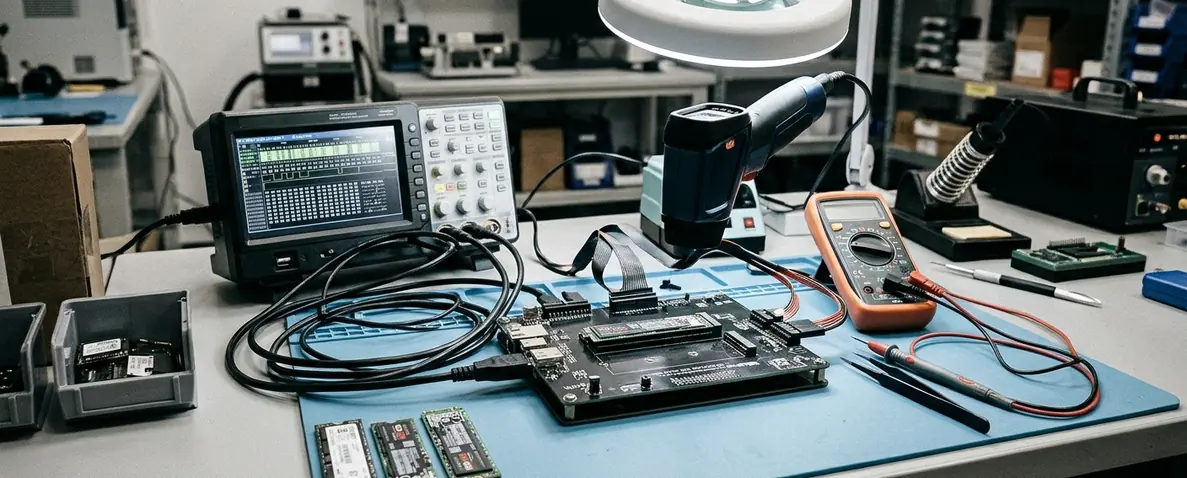
When the primary boot drive dies, the architectural limitations of cloud-only approaches become immediately apparent:
- Two-Way Cloud Sync Recovery: While explicitly synced documents and redirected profile folders survive on the remote server, the operating system, EFI bootloader, system partition tables, Windows registry hives, custom driver profiles, and installed application binaries are completely gone. Recovery requires installing a blank replacement SSD, booting from external installation media, manually rebuilding the OS environment, and re-downloading every game library and utility from scratch.
- Versioned Cloud Backup Recovery: A dedicated file-level cloud backup protects broader directory trees across multiple internal drives. However, it still omits low-level boot partitions and system state. Furthermore, pulling hundreds of gigabytes of game libraries, development toolchains, and media assets back down over a residential internet connection creates a severe time-to-recovery bottleneck.
- Full-Disk Block Imaging: Capturing a block-level image onto an external NVMe enclosure or local NAS captures the entire partition layout, including the EFI system partition and registry state, restoring the complete bootable system in a single pass.
Executing a Bare-Metal Block Restore
To recover a dead primary drive using a local block image, the technician seats a replacement M.2 SSD into the motherboard slot and boots the machine from a USB recovery environment generated by the disk imaging suite. From this pre-boot environment, the imaging engine streams the compressed sector image from an external USB drive back onto the internal NVMe bus. Leveraging a local USB 3.2 Gen 2x2 interface provides a maximum link rate of 20 gigabits per second, allowing a multi-terabyte workstation image stored on an external NVMe enclosure to stream back to an internal SSD during a single workbench session.
A bare-metal image restoration is verified when the replacement NVMe SSD initializes through the motherboard UEFI POST, executes the restored Windows Boot Manager from the cloned EFI partition, and loads the user desktop with all peripheral drivers and application license tokens intact. However, builders must account for hardware capacity tolerances during replacement. A bare-metal block restore from an offline local disk image onto a replacement NVMe SSD halts with a target capacity error if the new drive's raw byte count is even slightly smaller than the failed drive's capacity, unless the imaging engine can dynamically shrink the trailing NTFS partition during the write sequence.
Evaluating Retention Windows, Upload Bandwidth, and Zero-Knowledge Privacy
Designing a resilient PC storage hierarchy requires balancing how long deleted data survives, how much system overhead the protection agent consumes during active workloads, and who holds the cryptographic keys to the archive.
| Protection Tier | Replication Trigger | Ransomware Isolation | Bare-Metal Boot Recovery | Primary Restore Bottleneck | Encryption Key Custody |
|---|---|---|---|---|---|
| Two-Way Cloud Sync | Continuous via file system journal | None (syncs encrypted changes) | No (user folders only) | WAN downstream bandwidth & manual OS rebuild | Service provider holds keys |
| Versioned Cloud Backup | Scheduled or block-level interval | High (with server-side immutability) | Rare (primarily file-level trees) | WAN downstream bandwidth | User-configurable (supports zero-knowledge) |
| Offline Local Disk Image | Manual or scheduled physical mount | Complete (when physically air-gapped) | Yes (clones EFI, partitions, OS) | Local USB or LAN bus speed | Local user passphrase (AES-256) |
Retention Depth and System Overhead
Standard consumer sync services purge deleted items from their cloud trash bins after a fixed rolling window, typically 30 days. If a corrupted project file or missing game configuration goes unnoticed beyond that rolling window, the data is permanently purged. Dedicated cloud backup services and local snapshot engines allow custom historical retention policies—such as keeping daily snapshots for a month, weekly snapshots for a quarter, and monthly archives indefinitely—constrained only by allocated storage capacity.
During active operation, background cloud agents also compete for local hardware resources. Initial seed uploads or heavy block-level deduplication scans saturate residential upstream bandwidth and induce CPU overhead. If a backup client triggers a deep file hash scan or compresses multi-gigabyte archives while a user is running latency-sensitive multiplayer games or compiling local workloads, frame pacing and network ping degrade unless the software enforces strict I/O priority throttling and schedule blackouts.
Cryptographic Key Custody
Privacy architecture separates consumer sync folders from true archival tools. Standard cloud sync platforms manage encryption keys server-side so their web applications can index files, generate thumbnails, and render browser previews. If an account credential is breached via session token theft, the attacker gains immediate plain-text access to every synced document.
Dedicated backup engines and local disk imaging tools support client-side, zero-knowledge encryption. This mechanism derives an AES-256 key locally from a user-defined passphrase before a single byte is transmitted over the network or written to an external disk. The storage provider—or anyone holding a stolen physical backup drive—cannot decrypt the archive. That cryptographic guarantee carries an unforgiving operational rule: losing the private passphrase or recovery key file for a zero-knowledge encrypted archive renders the backup permanently unreadable, because no server-side password reset mechanism can decrypt an AES-256 cipher without the original key.